
Price anchoring
Showing the full price or the larger option first, so the customer judges the offer against it.
In plain words
People judge a price by what they saw just before it. Price anchoring uses that habit on purpose. You show the full price, or the fuller option, first. The offer you expect the customer to choose is then judged against that starting point, not against zero.
Anchoring lives in the proposal. It is the order of the options and the full price before any discount. It is also the line that says what each option includes. In a CRM, keep the full price and the final price as separate fields. Then you can see how far each deal moved from the anchor.
Worked example (invented numbers)
Full price $12,000 shown first, offer at $10,000: the customer compares $10,000 with $12,000, not with zero.
How to use it
The head of sales sets the anchor once in the proposal template and checks it in the weekly pipeline review. For deals at the proposal stage, ask the seller which number the customer saw first. If the first number was already discounted, the anchor is gone before the talk starts.
Look at the gap between full price and final price once a month, per seller. A seller whose deals all close far below the anchor is giving concessions too early. A seller who never moves may be losing deals on price. The gap tells you which conversation to have.
Anchoring works with the value proposition: the full price only holds if the customer sees what it pays for. It sets the start for every concession and every trade-off. It also shapes objections, since a price objection is a comparison with some anchor, yours or another one.
Common mistakes
- Anchoring with a number nobody pays. If the full price never closes, sellers and customers both learn to ignore it. Anchor with an option you would gladly sell.
- Opening with the discount. A proposal that leads with the reduced price makes the reduced price the new anchor. Show the full price first, then any condition that changes it.
- Too many options. Example (invented numbers): six packages make the customer compare details, not value. Start with three and test whether two works better.
- Hiding what the anchor includes. A large number with no content looks like a trick. List what the fuller option gives, so the comparison is about value.
NEXT STEP · TOOL
By Friday, the head of sales opens the current proposal template and checks the first number the customer sees. If it is a discounted price, move the full price above it. Then add two fields to the deal card in the CRM: full price and final price. Ask sellers to fill both on every new proposal from Monday. In a month, compare the gap per seller.
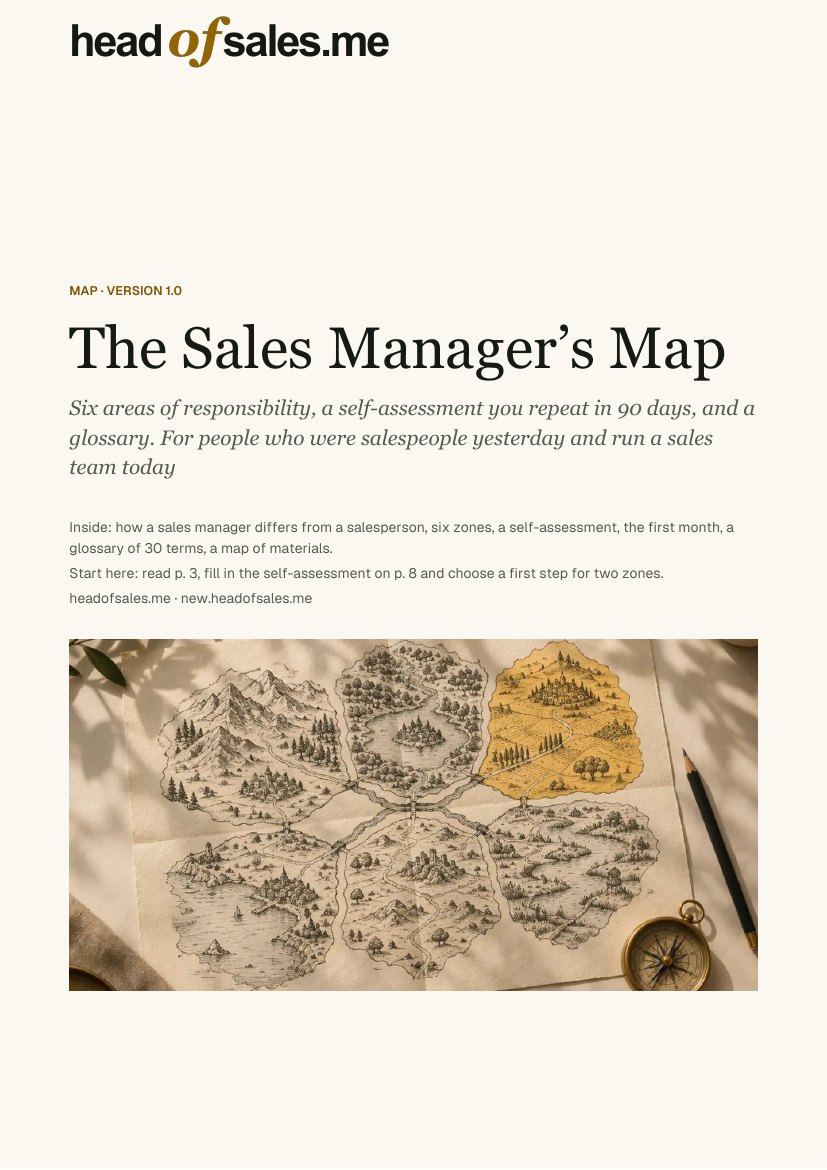
Six areas of the job on one map, with a self-assessment and a plan for your first month.